Resident survey and community consultation in your council app
The council asks, residents answer in a few taps.
How the council runs a survey
The survey appears in the app, and answering takes a few taps.
- The council sets it upStaff create the survey in the admin dashboard.
- Residents answerThe questions appear in the app, and answering takes a few taps.
- Results in one placeThe council sees the responses in the admin dashboard.
A council survey answered in a few taps
A resident survey appears in the app, and staff see the results in the admin dashboard.
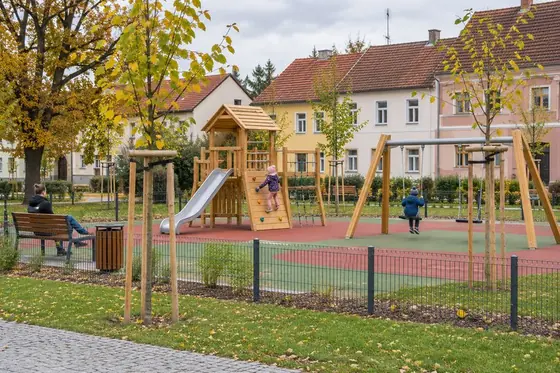
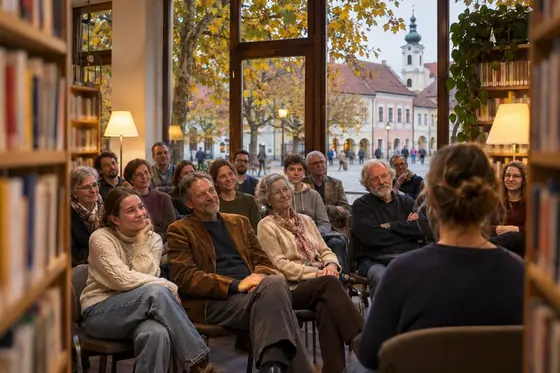
A resident survey lets the council ask residents before it decides: where the new playground should go, when the town festival should be held, or what residents see as next year's priority. Residents answer from home, and nobody has to collect paper forms and count them by hand. The questions reach residents in the same app where they already read council news.
Residents see the survey in the town's own app on iOS, Android or the web, and answering takes a few taps. This way, people who would not come to a public meeting, such as working parents, can still take part in a community survey or a wider community consultation.
Staff set up the survey in the admin dashboard, where they also edit news and events. The results are in the dashboard too, so the mayor and the council can base their decisions on them. The council switches the feature on or off for its town, and the survey appears in the town's own design. Towns under 1,000 residents use annodev.city free of charge, and on request we prepare a personalised demo.
- Answers straight from the app
- On iOS, Android and the web
- Results in the admin dashboard
- Residents consulted before decisions are made
What the city app does
Eight features in one municipal app. Each can be switched on or off for your town.
See your town's own app
We first prepare a demo with your town's coat of arms, colours and content. You try it, then you decide.